
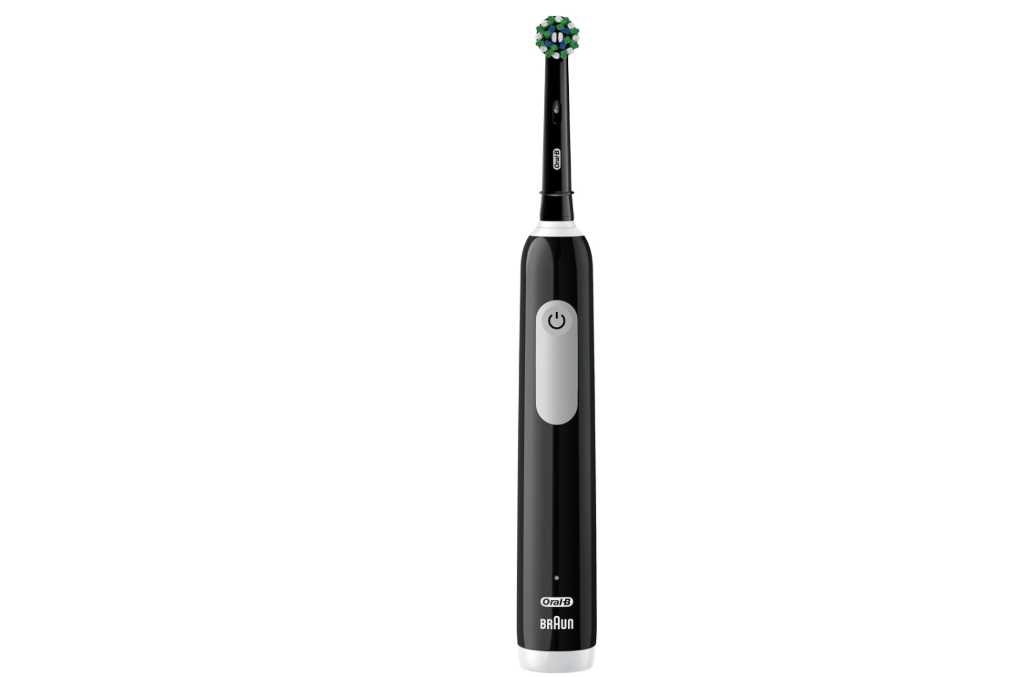
An Oral-B electric toothbrush is designed to make daily oral care effortless. But when the battery refuses to charge, that convenience disappears instantly. You place the handle on the charging stand, wait several hours, and nothing happens. No charging light. No power. No response.
If your Oral B electric toothbrush is not charging, don’t assume it’s permanently broken. Many charging problems have simple solutions, ranging from cleaning the charging base to replacing a worn-out battery. In this comprehensive guide, we’ll walk through the most common causes, practical troubleshooting steps, and long-term solutions to help get your toothbrush working again.
Understanding How Oral-B Toothbrush Charging Works
Before diving into repairs, it helps to understand how Oral-B toothbrushes charge.
Unlike many electronic devices that use exposed charging contacts, most Oral-B models rely on inductive charging technology. The charger generates an electromagnetic field that transfers power wirelessly to the battery inside the handle.
This design offers several advantages:
- Better water resistance
- Improved safety
- Reduced corrosion
- Longer component lifespan
However, if any part of this charging system fails, the toothbrush may stop charging completely.
Common Reasons an Oral B Electric Toothbrush Is Not Charging
Several factors can interrupt the charging process.
The most common causes include:
- Faulty charging base
- Defective wall outlet
- Dirty charging surfaces
- Worn-out battery
- Water damage
- Internal electronic failure
- Incorrect charger placement
- Damaged power cord
Identifying the exact cause is the first step toward fixing the problem.
Signs Your Oral-B Toothbrush Is Not Charging Properly
Sometimes the symptoms are obvious. Other times, they develop gradually.
Common warning signs include:
No Charging Indicator Light
Many Oral-B toothbrushes display a flashing battery icon or LED light when charging. If no light appears, charging may not be taking place.
Battery Drains Quickly
If the toothbrush loses power after only a few uses, the battery may be nearing the end of its lifespan.
Toothbrush Won’t Turn On
A completely depleted battery often leaves the handle unresponsive.
Intermittent Charging
The toothbrush may charge one day and fail the next. This usually points to charger problems or internal component wear.
Check the Power Source First
The simplest explanation is often the correct one.
Before inspecting the toothbrush itself, verify that the power source is functioning properly.
Test the Outlet
Plug another device into the same outlet.
Examples include:
- Phone chargers
- Hair dryers
- Lamps
- Electric shavers
If the second device doesn’t work, the issue may be the outlet rather than the toothbrush.
Inspect GFCI Outlets
Many bathroom outlets include GFCI protection. If the outlet has tripped, press the reset button and test again.
Inspect the Oral-B Charging Base
The charging stand is frequently responsible for charging failures.
Look carefully for:
- Cracks
- Burn marks
- Discoloration
- Loose connections
- Damaged plastic
Any visible damage could indicate internal failure.
A charger that becomes unusually hot may also be defective.
Clean the Charger Thoroughly
Bathrooms expose charging bases to moisture, toothpaste residue, and mineral deposits.
Over time, this buildup can interfere with charging efficiency.
How to Clean the Charging Base
- Unplug the charger.
- Wipe it with a damp cloth.
- Remove toothpaste residue.
- Dry completely.
- Reconnect power.
Avoid submerging the charger in water.
Even a small amount of buildup can prevent efficient power transfer.
Clean the Bottom of the Toothbrush Handle
The charging area at the bottom of the handle often accumulates grime.
Check for:
- Toothpaste buildup
- Soap residue
- Hard water deposits
- Dirt accumulation
Recommended Cleaning Method
Use:
- A soft cloth
- Cotton swabs
- Mild soap solution
Allow the handle to dry completely before placing it back on the charger.
Make Sure the Toothbrush Is Positioned Correctly
Improper placement is more common than many people realize.
The toothbrush must sit correctly on the charging base for inductive charging to work efficiently.
Common positioning mistakes include:
- Tilted handle
- Uneven surface
- Foreign objects under the charger
- Misalignment with the charging stand
Reposition the handle and observe whether the charging indicator activates.
Battery Failure: A Common Culprit
Rechargeable batteries eventually wear out.
Most Oral-B toothbrush batteries last between three and five years under normal conditions.
Factors affecting battery lifespan include:
- Charging habits
- Frequency of use
- Storage conditions
- Environmental temperatures
A worn battery may no longer hold a charge or accept power efficiently.
Symptoms of a Deteriorating Battery
Battery deterioration usually occurs gradually.
Watch for these signs:
Short Runtime
A toothbrush that once lasted two weeks may only last a day or two.
Slow Charging
Charging may take significantly longer than normal.
Rapid Power Loss
The toothbrush appears fully charged but quickly shuts down during use.
These symptoms strongly suggest battery aging.
Try a Complete Battery Recalibration
Sometimes the battery monitoring system becomes inaccurate.
A full discharge and recharge cycle may help.
Recalibration Steps
- Use the toothbrush until it stops completely.
- Leave it off for several hours.
- Place it on the charger.
- Allow uninterrupted charging for 24 hours.
Although not guaranteed, this process can sometimes restore normal charging behavior.
Check for Water Damage
Oral-B toothbrushes are water-resistant, but they’re not indestructible.
Water can enter the handle through:
- Cracked housing
- Worn seals
- Impact damage
- Manufacturing defects
Signs of Water Intrusion
Look for:
- Rust
- Condensation
- Corrosion
- Unusual odors
- Random operation
Water damage often affects charging circuitry and battery performance.
Inspect for Corrosion
Corrosion acts like a silent enemy inside electronic devices.
It commonly appears as:
- White residue
- Green deposits
- Rust-colored stains
Even minor corrosion can disrupt electrical performance.
Severe corrosion typically requires replacement of affected components.
Test Another Oral-B Charger
One of the easiest diagnostic methods is testing a different charger.
If you have access to another compatible Oral-B charging base:
- Place the toothbrush on the second charger.
- Observe charging indicators.
- Monitor battery performance.
If charging resumes, the original charger is likely defective.
Understand Oral-B Charger Compatibility
Not every Oral-B charger is identical.
Many models share compatible charging systems, including:
- Pro Series
- Smart Series
- Genius Series
However, some premium models, particularly within the iO range, use different charging technologies.
Always verify compatibility before testing alternative chargers.
Inspect the Charging Cord
Although charging stands are durable, their cords can suffer wear over time.
Check for:
- Frayed insulation
- Cuts
- Sharp bends
- Exposed wires
- Loose connections
Even minor cord damage can interrupt power delivery.
Environmental Conditions Can Affect Charging
Temperature has a surprisingly large impact on rechargeable batteries.
Cold Temperatures
Very cold conditions may:
- Slow charging
- Reduce battery performance
- Prevent charging entirely
High Temperatures
Excessive heat can:
- Damage batteries
- Trigger protective shutdowns
- Accelerate battery degradation
For best results, charge your toothbrush at normal room temperature.
Smart Oral-B Models and Software Issues
Modern Oral-B toothbrushes often include advanced technology.
Features may include:
- Bluetooth connectivity
- Smart pressure sensors
- Mobile app integration
- Real-time brushing feedback
Occasionally, software-related issues can affect battery reporting and charging indicators.
Symptoms may include:
- Incorrect battery levels
- False charging alerts
- Random shutdowns
Consult Oral-B support for model-specific guidance.
Should You Replace the Battery?
Technically, many Oral-B batteries can be replaced.
Benefits include:
- Lower cost than buying a new toothbrush
- Reduced electronic waste
- Extended product lifespan
However, battery replacement also presents challenges:
- Complex disassembly
- Potential waterproofing issues
- Warranty concerns
For most users, professional repair or replacement is often the safer option.
How Long Does an Oral-B Toothbrush Take to Charge?
Charging times vary by model.
Typical estimates include:
| Model | Average Charging Time |
|---|---|
| Oral-B Pro Series | 12–16 Hours |
| Oral-B Smart Series | 12–24 Hours |
| Oral-B Genius Series | 12–24 Hours |
| Oral-B iO Series | Around 3 Hours |
If charging takes significantly longer than expected, further troubleshooting may be necessary.
Prevent Future Charging Problems
Proper maintenance can dramatically extend the life of your toothbrush.
Recommended habits include:
- Cleaning the charger regularly
- Drying the handle after use
- Avoiding excessive heat exposure
- Using the original charger
- Preventing accidental drops
- Storing the toothbrush in a dry environment
Small preventative measures often prevent larger repairs later.
When to Contact Oral-B Customer Support
Professional assistance may be necessary if:
- The charger appears functional but won’t charge
- Battery issues persist after troubleshooting
- Water damage is suspected
- The toothbrush remains under warranty
Support teams may offer:
- Warranty replacements
- Diagnostic assistance
- Repair recommendations
Repair or Replace: Which Is Better?
The answer largely depends on the toothbrush’s age.
Repair may be worthwhile if:
- The device is relatively new
- Only the charger has failed
- The battery issue is minor
Replacement may be more practical if:
- The toothbrush is over five years old
- Multiple components have failed
- Water damage is extensive
Like an aging car, there comes a point when replacement becomes more economical than repeated repairs.
Final Thoughts
When an Oral B electric toothbrush is not charging, the problem can feel frustrating, especially when it disrupts an established oral care routine. Fortunately, most charging issues stem from a handful of identifiable causes, including charger failure, dirty charging surfaces, battery deterioration, improper placement, or water-related damage.
By following a systematic troubleshooting process, we can often diagnose and resolve the issue without immediately replacing the toothbrush. Start with the simplest checks, such as the power outlet and charger cleanliness, before moving toward battery and internal component inspections.
A little investigation can often bring a seemingly dead toothbrush back to life, saving both money and frustration while keeping your smile healthy.
Frequently Asked Questions
Why is my Oral-B toothbrush flashing but not charging?
A flashing light may indicate battery deterioration, charger alignment issues, or internal electronic problems. Cleaning and repositioning the toothbrush often helps.
How can I tell if my Oral-B charger is broken?
Testing the toothbrush on another compatible charger is the quickest way to determine whether the charging base is faulty.
Can I replace the battery in my Oral-B toothbrush?
Yes, many models allow battery replacement, although the process can be challenging and may affect waterproofing.
How long should an Oral-B battery last?
Most Oral-B batteries provide reliable performance for three to five years before noticeable degradation occurs.
Why does my Oral-B toothbrush lose charge so quickly?
Rapid battery drain usually indicates battery aging, charging issues, or internal component wear.